DeepSeek Harness Gruvbox Dark Theme
flat chrome · dark mode · MIT open source
Live Preview
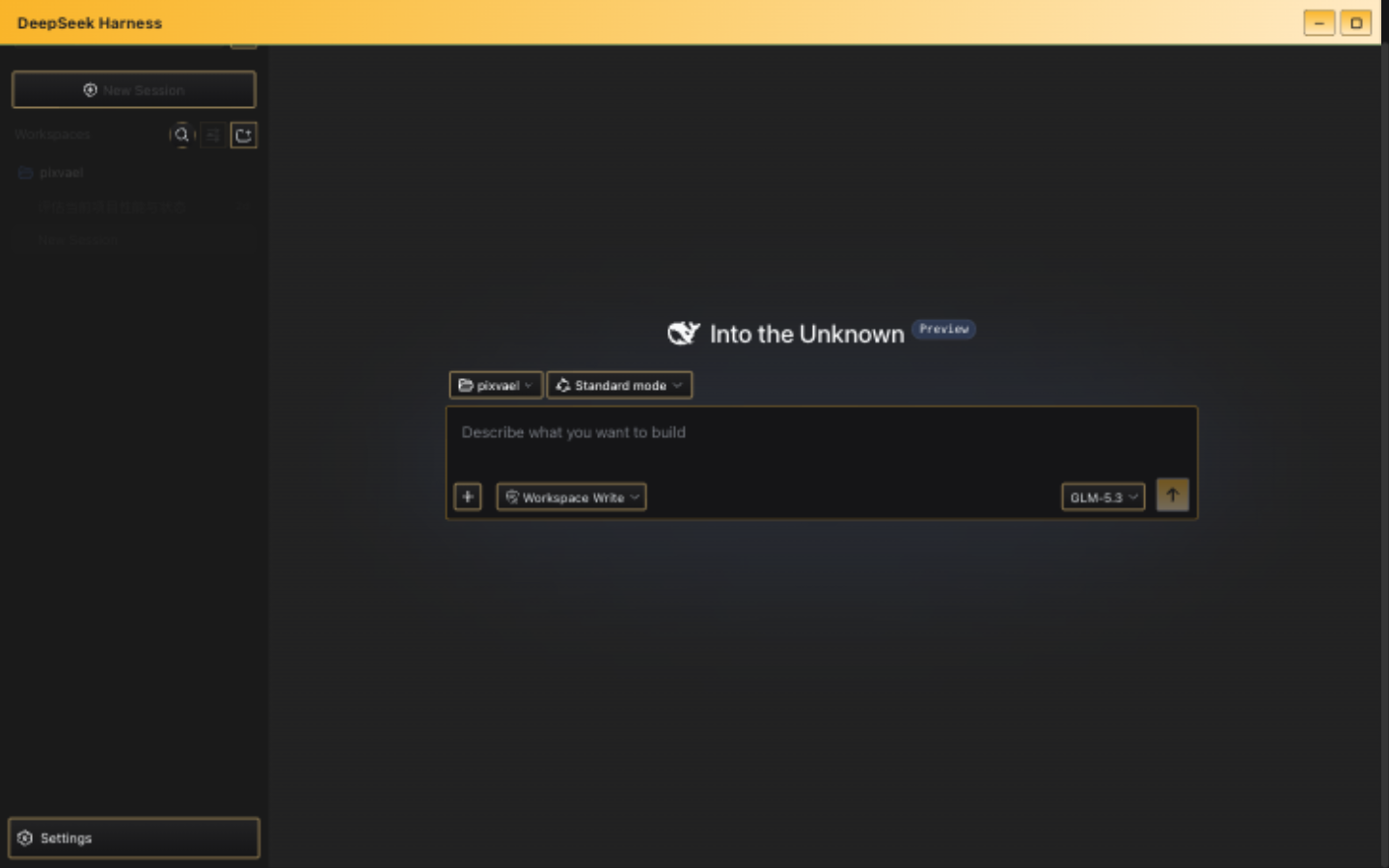
Why Gruvbox Dark for DeepSeek Harness
Gruvbox brings retro groove warmth to your DeepSeek Harness workspace. Created by Pavel Fomenko (morhetz) in 2012, it uses earthy, desaturated colors inspired by vintage terminals and 70s design. The dark variant's #282828 background and warm yellow accent (#fabd2f) create a comfortable reading environment that doesn't feel clinical — perfect for long agent sessions.
Design Philosophy
Gruvbox follows a "retro groove" aesthetic: colors that feel like they belong on a vintage CRT, but tuned for modern displays. The palette deliberately avoids pure white/black, instead using warm off-whites and deep browns. The result is a theme that feels lived-in from the first launch, not sterile.
Features
- flat border style — minimal, clean edges
- dark mode optimized for low-light environments and OLED screens
- Zero bitmap backgrounds — pure color derivation, no performance overhead
- One command install via official DSH plugin system
- MIT open source, supports skin pack import/export
Installation
# Step 1: Install the skin plugin
dsh plugin --profile web add dsh-skin-center

# Step 2: Restart DSH
dsh web

# Step 3: Select this theme
# Settings → General → Skin → Gruvbox Dark
FAQ
How to switch back to the default theme?
Settings → General → Skin → click "Default". Instant restore, no restart needed.
What if DeepSeek Harness updates and breaks the theme?
The plugin uses zero source patches — it stamps the DOM at runtime. DSH updates most likely won't break it. Worst case, individual effects degrade to color-only.