DeepSeek Harness Solarized Dark Theme
flat chrome · dark mode · MIT open source
Live Preview
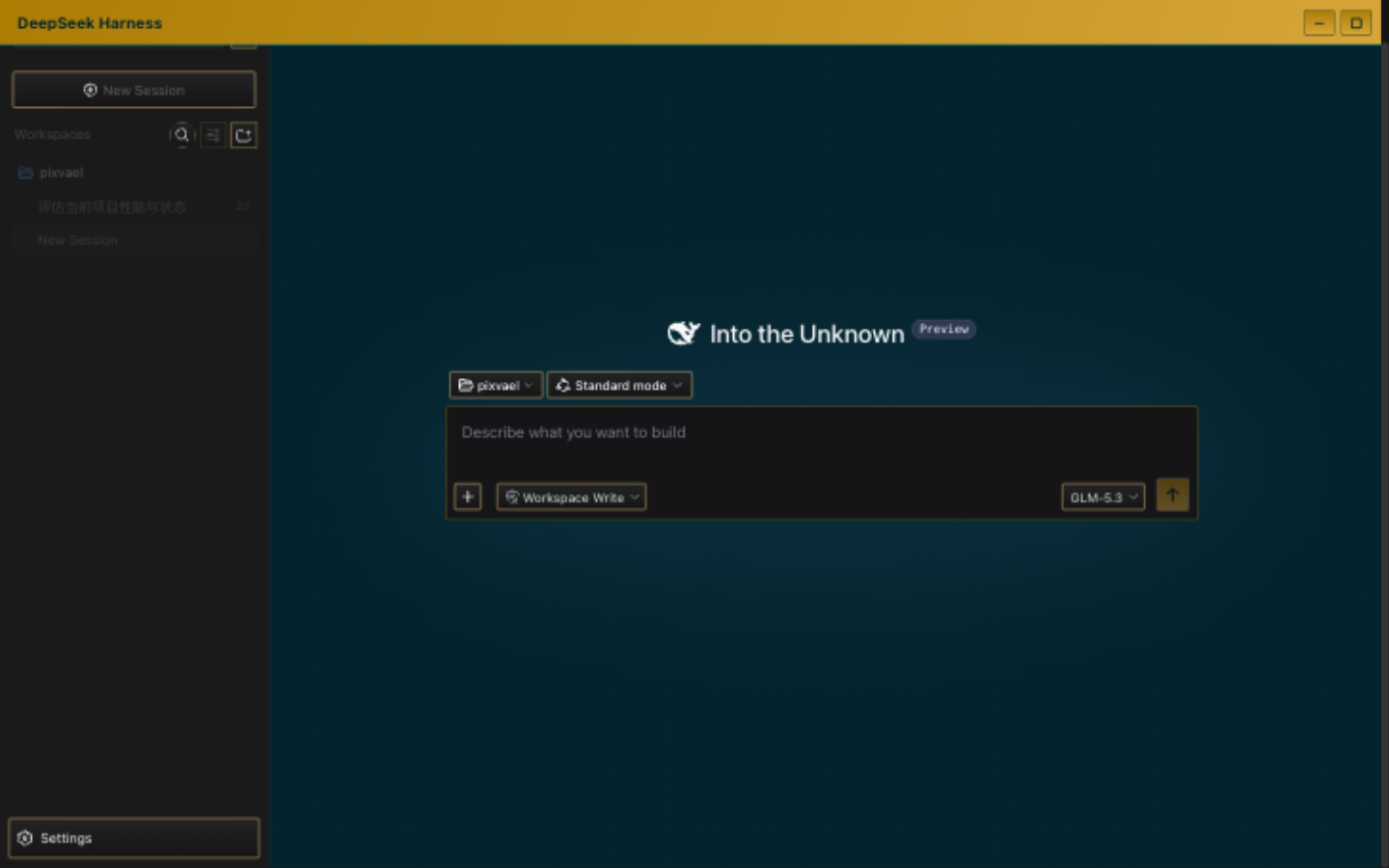
Why Solarized Dark for DeepSeek Harness
Solarized Dark is Ethan Schoonover's legendary palette from 2011 — the gold standard for developer color schemes. Its low-contrast design philosophy reduces eye strain specifically for prolonged text reading, which is exactly what you do in an agent workspace: reading model output, reviewing code, scanning logs. If you've used Solarized in Vim, Emacs, or VS Code, this feels like home.
Design Philosophy
Solarized uses a carefully selected 16-color palette with precise CIELAB lightness values. The dark variant (#002b36 background) has just enough blue to reduce flicker perception while staying dark enough for OLED screens. The yellow accent (#b58900) is the only saturated color, guiding attention to interactive elements without competing with content.
Features
- flat border style — minimal, clean edges
- dark mode optimized for low-light environments and OLED screens
- Zero bitmap backgrounds — pure color derivation, no performance overhead
- One command install via official DSH plugin system
- MIT open source, supports skin pack import/export
Installation
# Step 1: Install the skin plugin
dsh plugin --profile web add dsh-skin-center

# Step 2: Restart DSH
dsh web

# Step 3: Select this theme
# Settings → General → Skin → Solarized Dark
FAQ
How to switch back to the default theme?
Settings → General → Skin → click "Default". Instant restore, no restart needed.
What if DeepSeek Harness updates and breaks the theme?
The plugin uses zero source patches — it stamps the DOM at runtime. DSH updates most likely won't break it. Worst case, individual effects degrade to color-only.